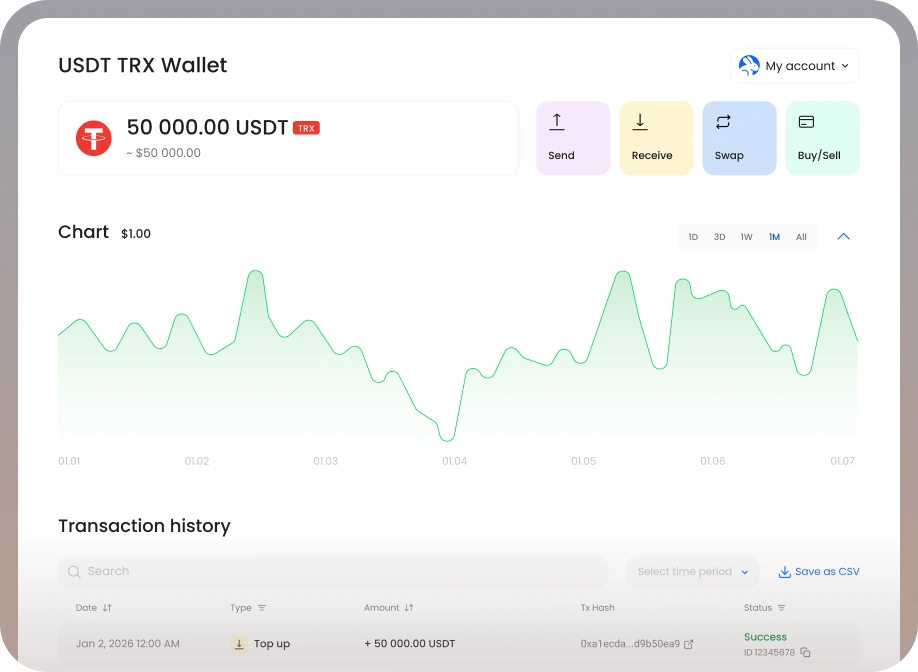
Secure Fetch (FET) wallet
Scopri l'approccio boutique del Programma Privato per clienti con oltre $500.000.
Scarica l'app

Scopri l'approccio boutique del Programma Privato per clienti con oltre $500.000.
Asset
riserve
fondata nel
Supporto Umano
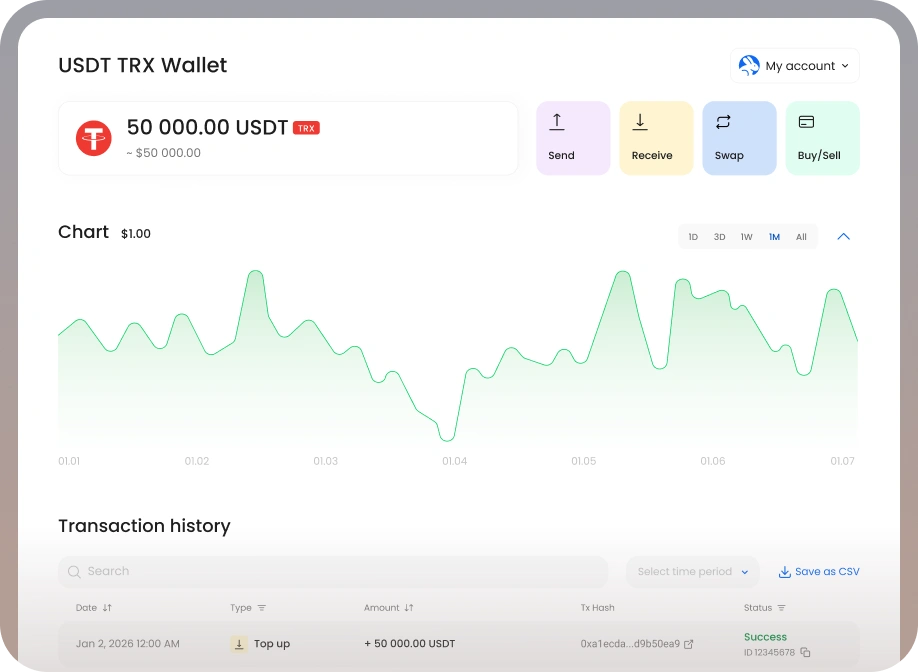
Sign up with email or phone in under a minute. On the Wallets page, you can manage your Fetch or explore any of the hundreds of assets available.
Click Receive, enter the amount of FET you want to deposit, and press Next. Send funds to the generated address with zero fees. They will appear in your account within minutes.
Securely store, send, spend, borrow, or trade — all from your dashboard.
We don't provide investment advice. We help protect your funds from risky market practices and offer tools to keep you in control.
Uniamo individui, imprese e istituzioni per preservare il capitale a lungo termine senza perdere le opportunità di oggi.
 Steven James
TFSF Ventures Founder
A robust security posture and a strict no-rehypothecation policy are deciding factors for me.
Vik SharmaCake Wallet CEO
I have been using CoinRabbit for a year now to borrow against my BTC. We hope to add them in Cake also.
Dr. CarruthersI really value efficiency and hate wasting my time. CoinRabbit allows me to pretty much do everything I want and need to achieve my goals.
Vince CappsI appreciate CoinRabbit's transparent support, willingness to accommodate in tough market conditions, and fast escalations.









A Fetch wallet is a secure place to store, send, receive, and spend your FET. The CoinRabbit wallet keeps FET in its own custody infrastructure with top-tier cold storage, supports 300+ assets alongside FET, and charges zero fees on top-ups.
Sign up for a CoinRabbit account with your email or phone, open the “Wallets” tab in the right-hand menu, click “Manage Wallets” and choose Fetch (FET). The wallet is added instantly, with no verification required. You can then deposit FET directly from exchanges like Binance or Coinbase.
CoinRabbit protects FET with its own custody solution, keeping user assets and reserves on top-tier cold wallets. Your account is secured with two-factor authentication, biometric verification, and address whitelisting, so only authorized actions can be performed with your FET.